Whisper · GPT-4o · GPT Image 2

AI Sketchnote or Interactive Talk Map

Sample Output

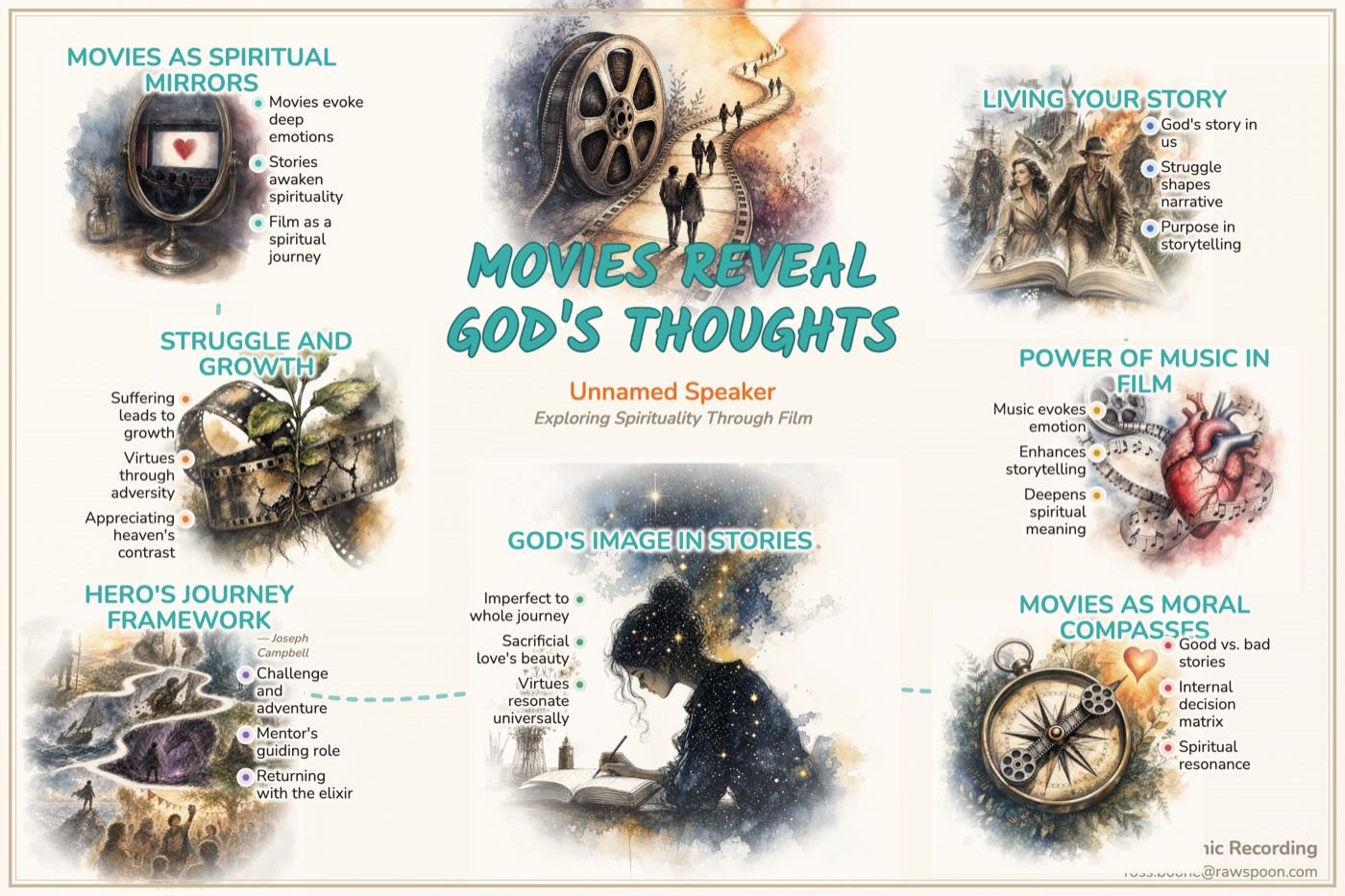
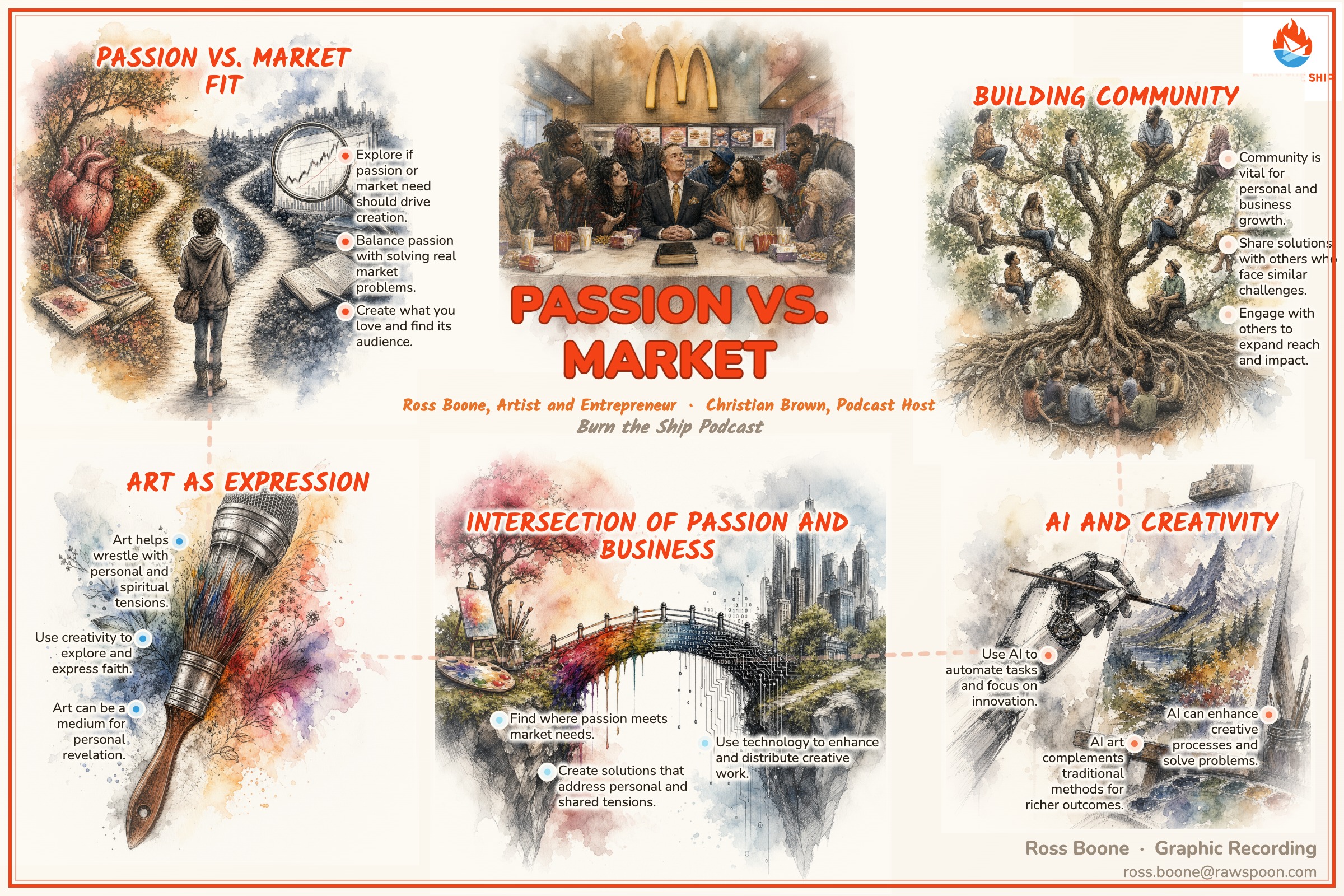
Here are recent examples of both experiences: finished sketchnote images and Interactive Talk Maps you can click through like a visual memory palace.

After your sketchnote is ready, click Edit image to swap fonts, drag text and illustrations, resize any image, and double-click any text to rewrite it.

Upload Once, Choose Your Experience

🎙
Click or drag to add audio file
MP3 · M4A · WAV · OGG · WebM · any size
Advanced Options

Names of people referenced in the talk (authors, figures quoted, etc.). Helps spell them correctly, and their name is attached only to the points actually attributed to them — not to the whole talk.

Click to upload logo
PNG or JPG · Drives the color palette
Upload a logo to preview its palette

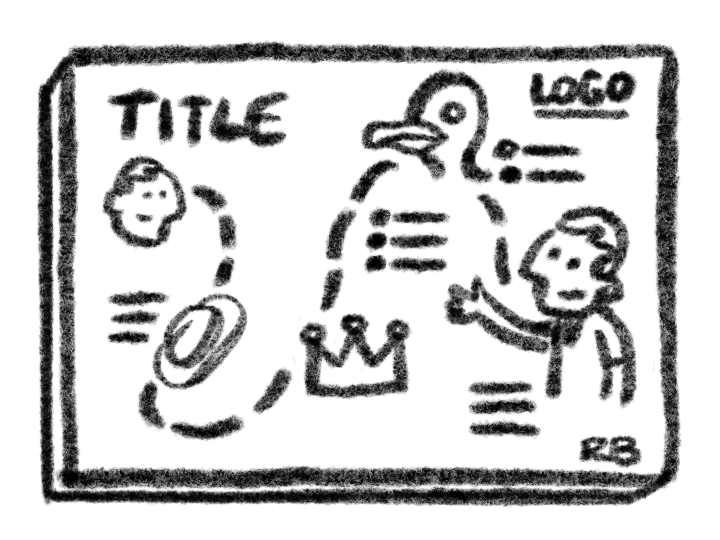
Clean outlines, simple shapes, minimal shading and playful characters.

Upload a sample of your graphic recording style
JPG or PNG · GPT-4o can analyze this visual style

Whichever you fill in will guide the illustrations. If you use both, your written notes and the uploaded sample are combined.

OpenAI retired DALL-E 3 in May 2026. Use GPT Image 2 High when you want the most detailed, clever, style-aware illustrations and can wait longer.

Interactive Talk Map: transcribes this upload, discovers its topic hierarchy and curiosity questions, then generates a unique image for every room.

Generation usually takes about 10 minutes — illustrations appear one by one while you wait.

Selected image overlap
Edit mode: drag title/images/text blocks. Click a text block to unlock its heading & bullets for individual dragging. Double-click any text to rewrite it. Click an illustration to regenerate it.

Stripe opened in a new tab. Complete payment there — your sketchnote stays on this page. Come back here when you're done.

Preview is free. You only pay when you download.

Sketchnote download — $100 · One-time charge for two separate files: an off-white background JPG of your finished sketchnote, plus a text document with the outline and full transcript.

Edit before you download · Move and resize illustrations, regenerate individual images, edit words, and change fonts — even while images are still generating.

💡 Press Edit image to move things around or regenerate illustrations — even while images are still generating